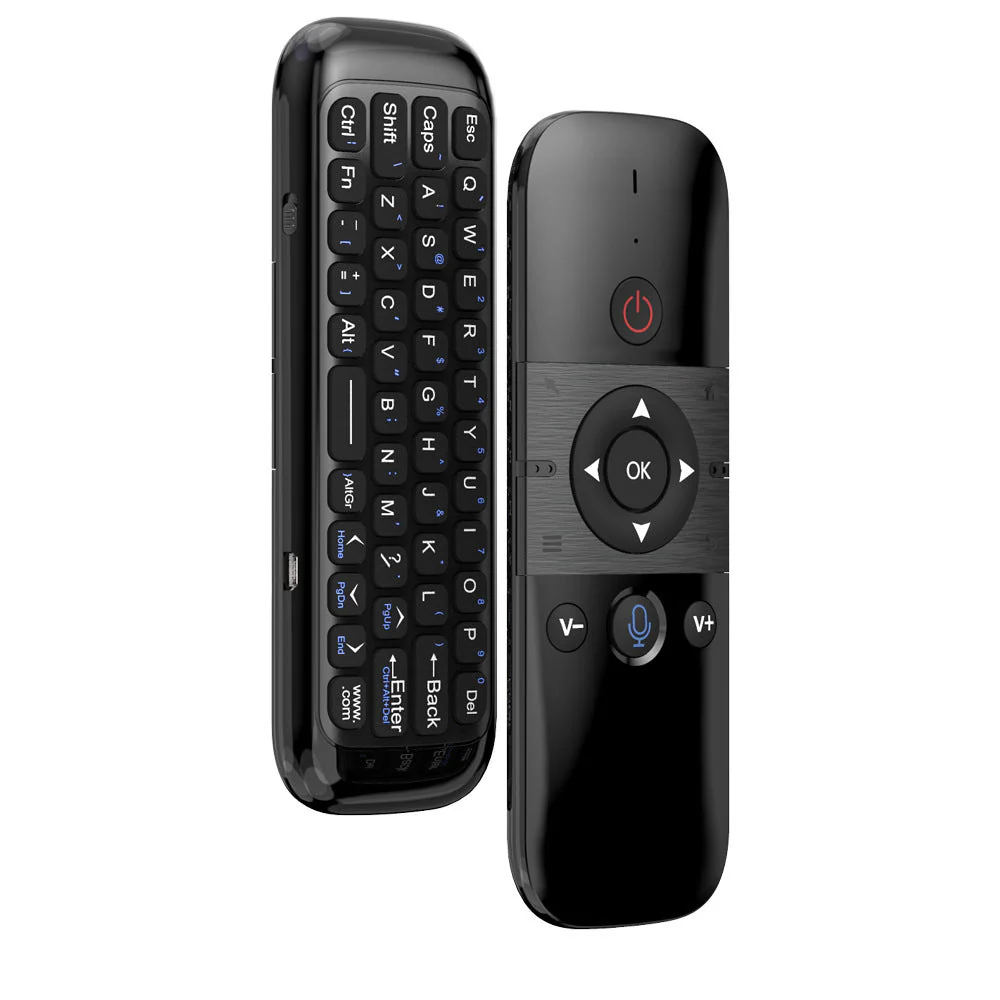
M8 Voice Air Mouse Remote Control
Convenient handheld wireless air mouse.
Compatible models:
Android TV box / Mini PC / Smart TV/ Car Screen
Learning function (e.g., TV remote control)
Press and hold the power button for 3 seconds → The indicator will flash and the mouse will enter learning mode.
Align the infrared sensors of the target and learning remotes at a distance of 1-5cm. Press the power button on the target remote; the indicator will flash three times and the code value will be saved.
Press the "OK" and "Backspace (Delete)" buttons simultaneously to clear the stored code value.
🎤 Voice input function
Press the microphone button to automatically activate the voice function. You can directly input voice commands. The M8 Voice Air Mouse allows for smooth on-screen navigation. Its operating distance is up to 10m.
More Images
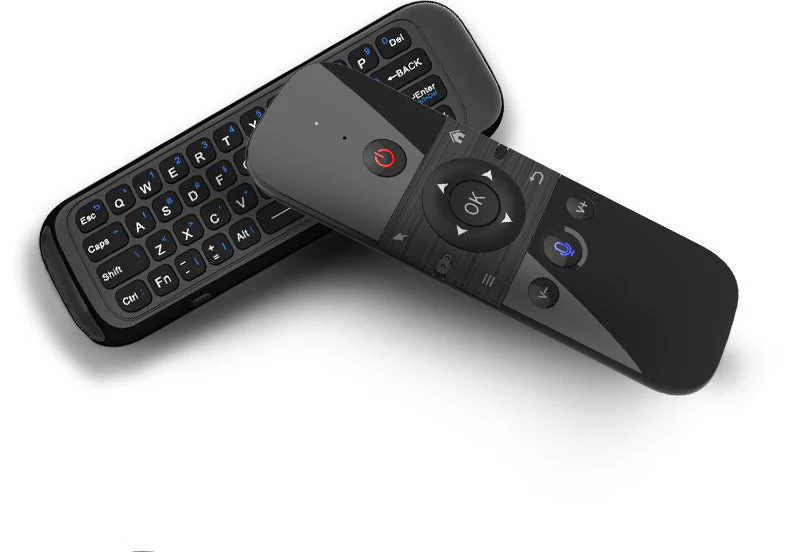
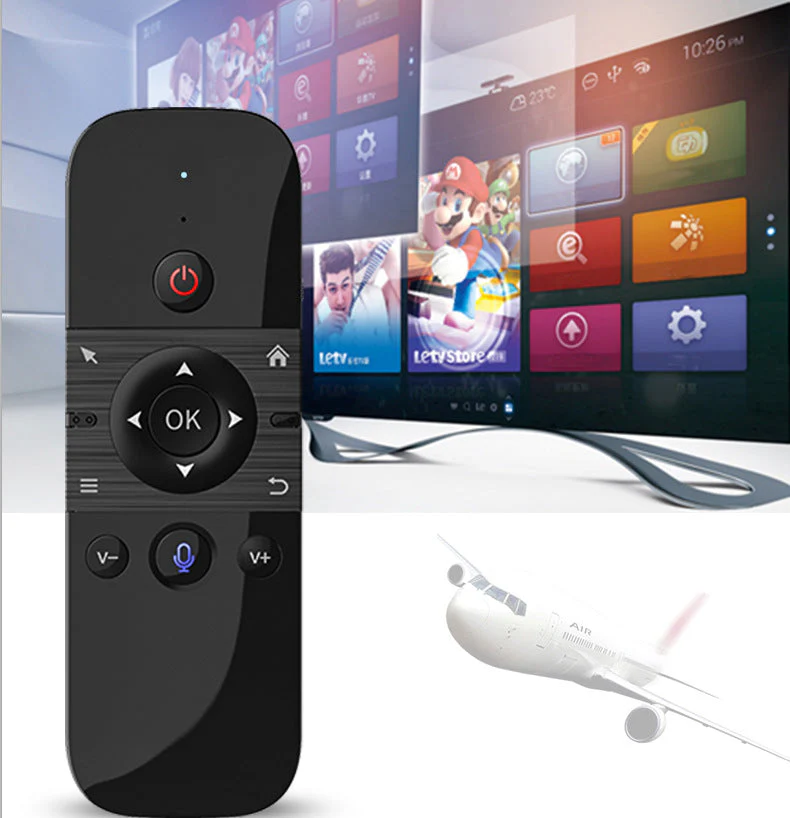
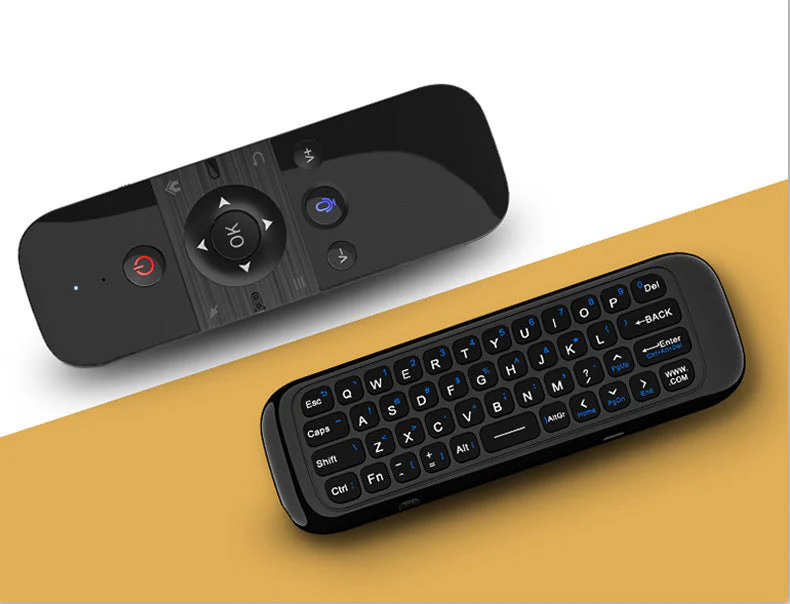
M8 Voice Air Mouse Remote Control
Convenient handheld wireless air mouse.
Compatible models:
Android TV box / Mini PC / Smart TV/ Car Screen
Learning function (e.g., TV remote control)
Press and hold the power button for 3 seconds → The indicator will flash and the mouse will enter learning mode.
Align the infrared sensors of the target and learning remotes at a distance of 1-5cm. Press the power button on the target remote; the indicator will flash three times and the code value will be saved.
Press the "OK" and "Backspace (Delete)" buttons simultaneously to clear the stored code value.
🎤 Voice input function
Press the microphone button to automatically activate the voice function. You can directly input voice commands. The M8 Voice Air Mouse allows for smooth on-screen navigation. Its operating distance is up to 10m.
Product Information
Product Information
Shipping & Returns
Shipping & Returns
Description
Convenient handheld wireless air mouse.
Compatible models:
Android TV box / Mini PC / Smart TV/ Car Screen
Learning function (e.g., TV remote control)
Press and hold the power button for 3 seconds → The indicator will flash and the mouse will enter learning mode.
Align the infrared sensors of the target and learning remotes at a distance of 1-5cm. Press the power button on the target remote; the indicator will flash three times and the code value will be saved.
Press the "OK" and "Backspace (Delete)" buttons simultaneously to clear the stored code value.
🎤 Voice input function
Press the microphone button to automatically activate the voice function. You can directly input voice commands. The M8 Voice Air Mouse allows for smooth on-screen navigation. Its operating distance is up to 10m.